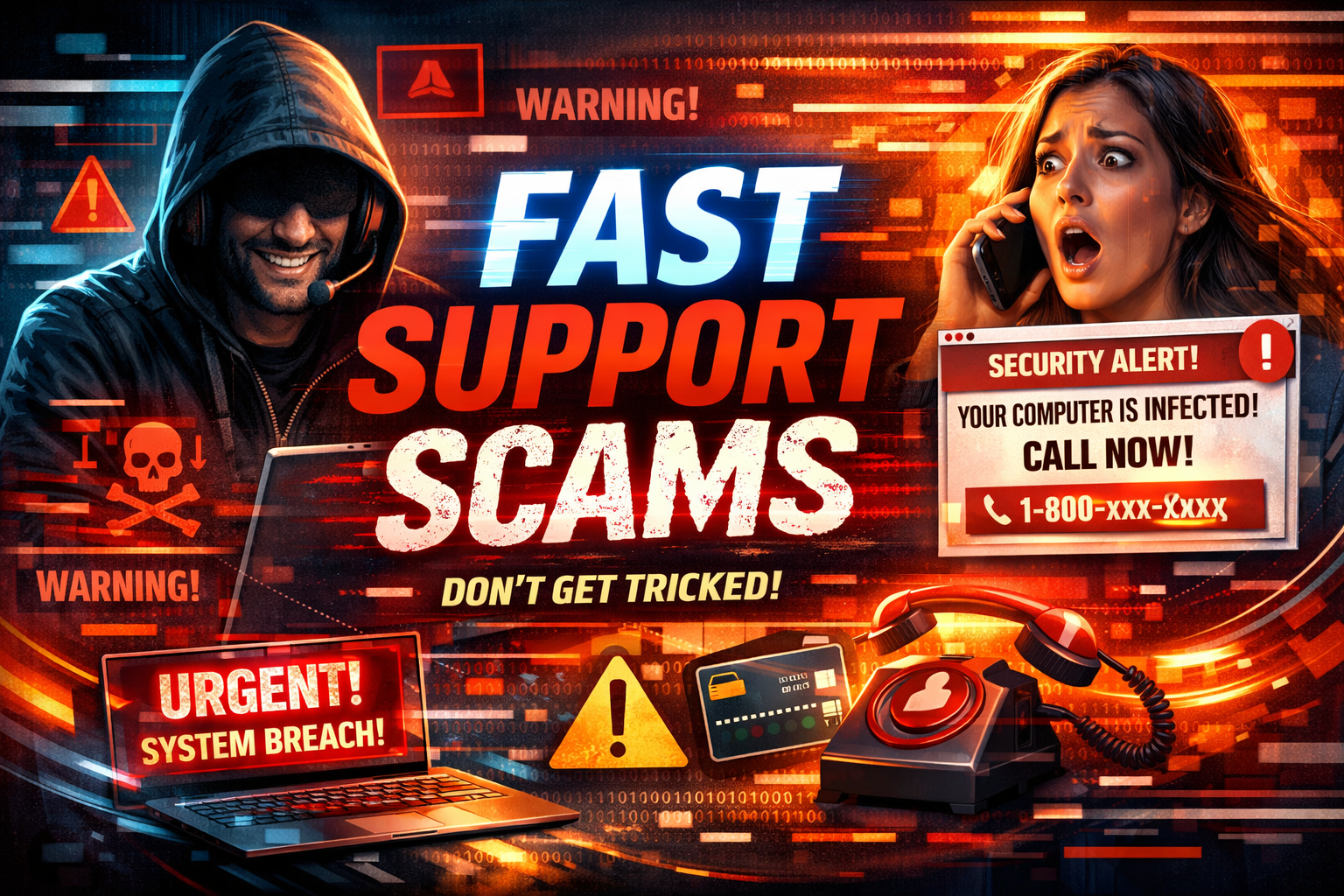
Is “Fast Support” a Scam?
Not exactly.
There is a legitimate support portal associated with GoToAssist at fastsupport.gotoassist.com. But that does not mean every person who tells you to use a support tool is legitimate.
The platform may be real while the caller, popup, or email is completely fraudulent.
That is why so many people search terms like:
- fast support scams
- fastsupport scam
- is fastsupport legit
- Microsoft support scam
- Amazon support scam
- fake remote support call
They are trying to separate a real tool from a fake interaction.
How Fake Tech Support Scams Work
Most scams follow a simple formula.
First, the scammer creates urgency. They may claim your computer is infected, your Amazon account has been charged, your Microsoft account is compromised, or your money is at risk.
Then, they push you to act fast. They want you to call a number on a popup, install software, share a support code, reveal a verification code, or let them access your computer remotely.
Finally, they try to get paid. That payment may be framed as a “support fee,” “fraud reversal,” “security fix,” or “protection step.” In more aggressive scams, victims are told to move money, buy gift cards, or transfer funds to “protect” their accounts.
The Biggest Red Flags
1. They Contacted You First
If someone calls you out of nowhere and says your device or account has a problem, be skeptical. Legitimate companies do not randomly cold-call people to fix issues they never reported.
2. A Pop-Up Tells You to Call a Number
This is one of the most common scam setups. A popup that tells you to call support immediately is a major warning sign.
3. They Use Fear and Pressure
Scammers want you emotional, not calm. They use phrases like urgent, compromised, hacked, fraud detected, or act now.
4. They Want Remote Access Right Away
Remote support itself is not fake. But a stranger demanding access to your computer is a serious red flag.
5. They Ask for Passwords or Verification Codes
No legitimate support company should ask for your password or pressure you to read out a verification code.
6. They Ask for Unusual Payment Methods
Gift cards, crypto, wire transfers, cash withdrawals, or “safe account” transfers are all scam signals.
What About Microsoft and Amazon Calls?
Scammers regularly impersonate trusted brands because people recognize them and lower their guard.
If someone says:
- “We’re from Microsoft”
- “We’re from Amazon fraud prevention”
- “We detected suspicious activity”
- “We need remote access now”
Slow down and verify everything independently.
Never trust unexpected contact just because the caller sounds professional or uses a well-known company name.
How FastSupport.ca Really Works
This part is important.
FastSupport.ca does not randomly call people pretending to be from Microsoft, Amazon, or any other company.
We do not use scare tactics.
We do not cold-call strangers to say their computer has a virus.
We do not demand remote access out of nowhere.
We do not ask people to move money, buy gift cards, or share banking credentials.
FastSupport.ca supports our own paying clients through legitimate, pre-arranged support relationships.
If someone contacts you unexpectedly and pressures you with fear, urgency, or fake authority, that is not how we operate.
Older Adults Are Common Targets
Older adults are often heavily targeted because scammers know that fear, urgency, and authority can work especially well over the phone.
Please share this article with:
- parents
- grandparents
- neighbors
- clients
- staff
- friends who are not comfortable with technology
A simple conversation can stop a costly mistake.
What To Do If You Think It’s a Scam
- Stop the call or remote session immediately.
- Do not call any phone number shown in a popup.
- Do not click suspicious links.
- Change your passwords if you shared them.
- Contact your bank or credit card company using a number you trust.
- Report the incident to the proper authorities.
If you are in Canada, report fraud or cybercrime to the Canadian Anti-Fraud Centre and contact your local police if needed.
Final Message
Real support does not begin with panic.
Real support is requested.
Real support is verified.
Real support is based on trust.
If someone contacts you unexpectedly and pressures you to act immediately, assume it could be a scam until proven otherwise.
Help Protect Someone You Care About
Think this could help a parent, grandparent, client, or friend? Share this article by email, Facebook, LinkedIn, or text message. One share could stop a scam before it starts.
Frequently Asked Questions
Is Fast Support a scam?
No. “Fast Support” is not automatically a scam. There is a legitimate GoToAssist FastSupport portal, but scammers may abuse trusted support language, fake authority, and scare tactics to trick victims.
Does Microsoft call people to fix computer problems?
No. Microsoft does not randomly call people to provide unsolicited technical support.
Does Amazon call people about suspicious charges?
Scammers may impersonate Amazon. Always verify suspicious calls, messages, or emails through Amazon’s official website or app.
Is remote support software itself a scam?
No. Remote support software can be legitimate. The danger is when scammers use it during fake support calls, fake popups, or fraudulent impersonation attempts.
How does FastSupport.ca work?
FastSupport.ca supports our own paying clients through real, pre-arranged support relationships. We do not randomly call people pretending to be from Microsoft, Amazon, or any other brand.
Where can Canadians report a tech support scam?
Fraud and cybercrime can be reported through the Canadian Anti-Fraud Centre. Victims should also contact local police when appropriate.